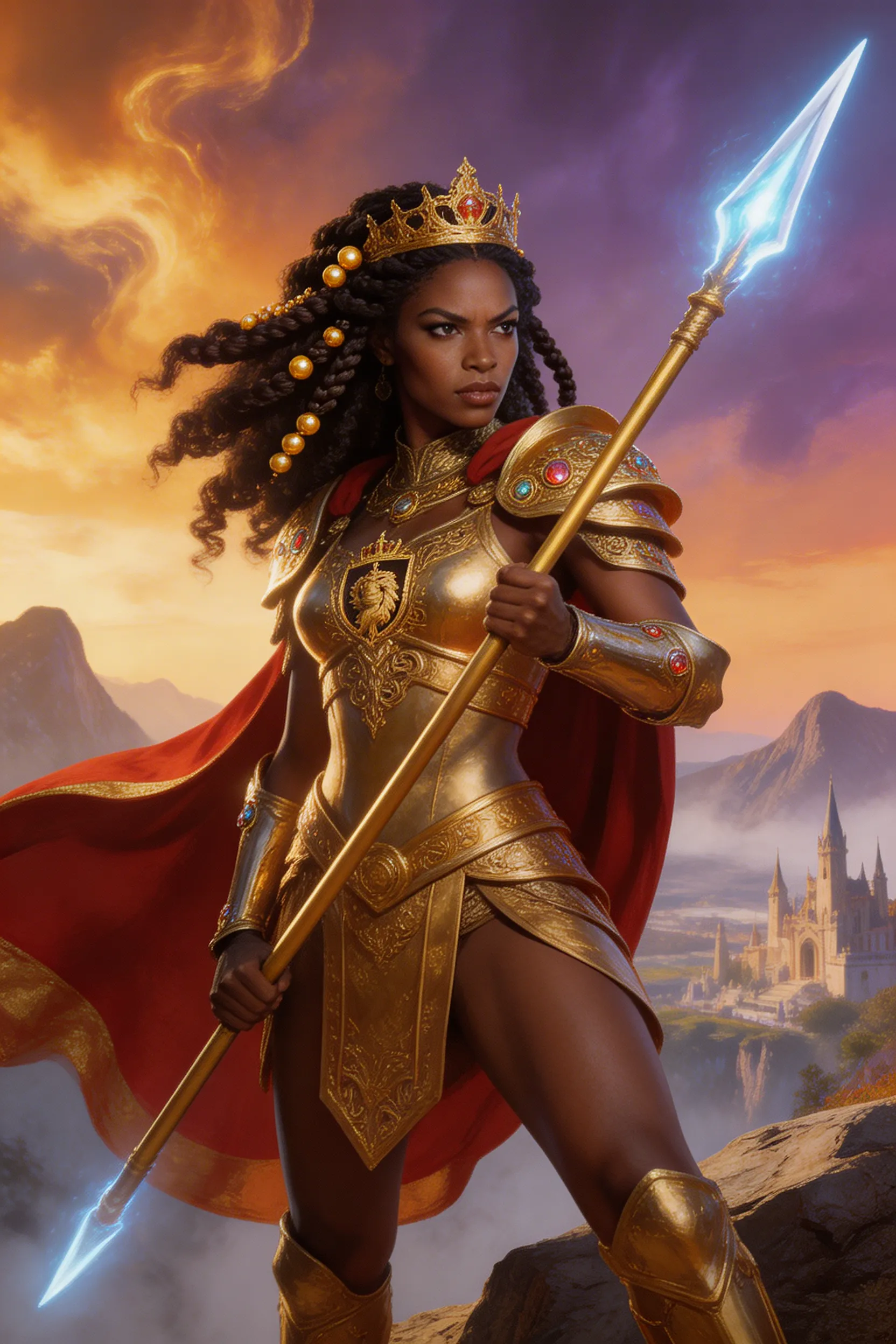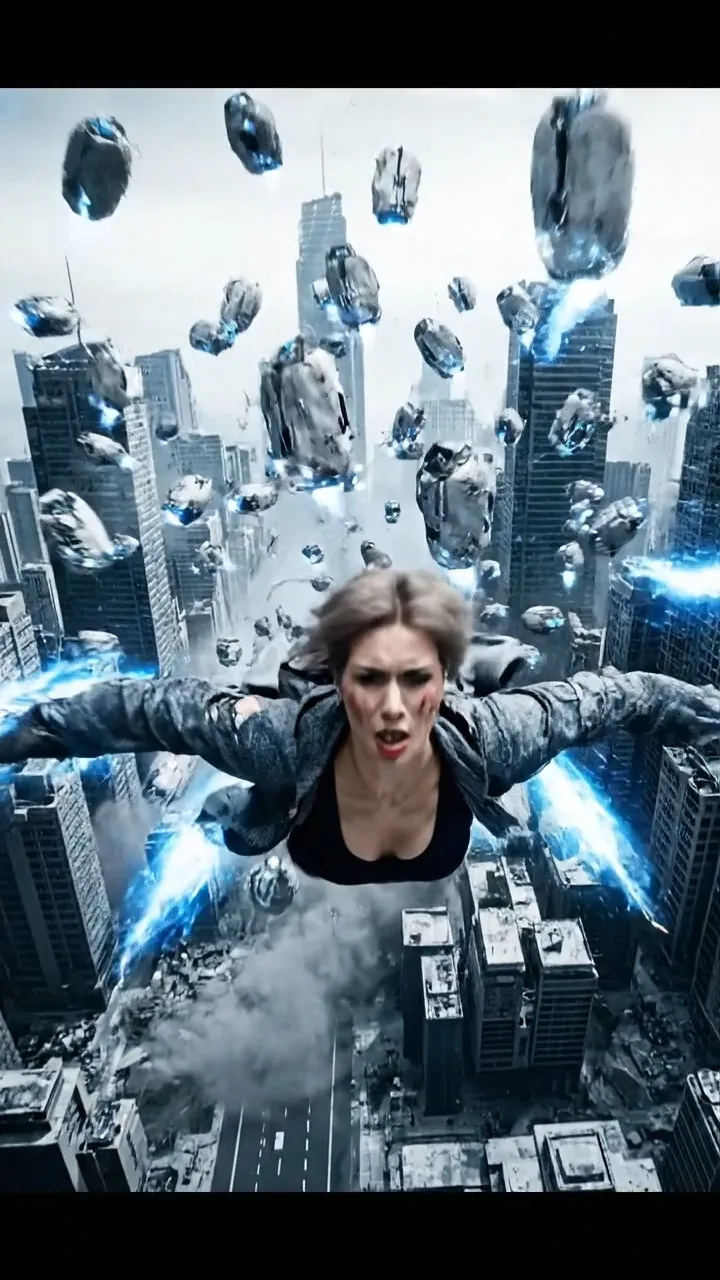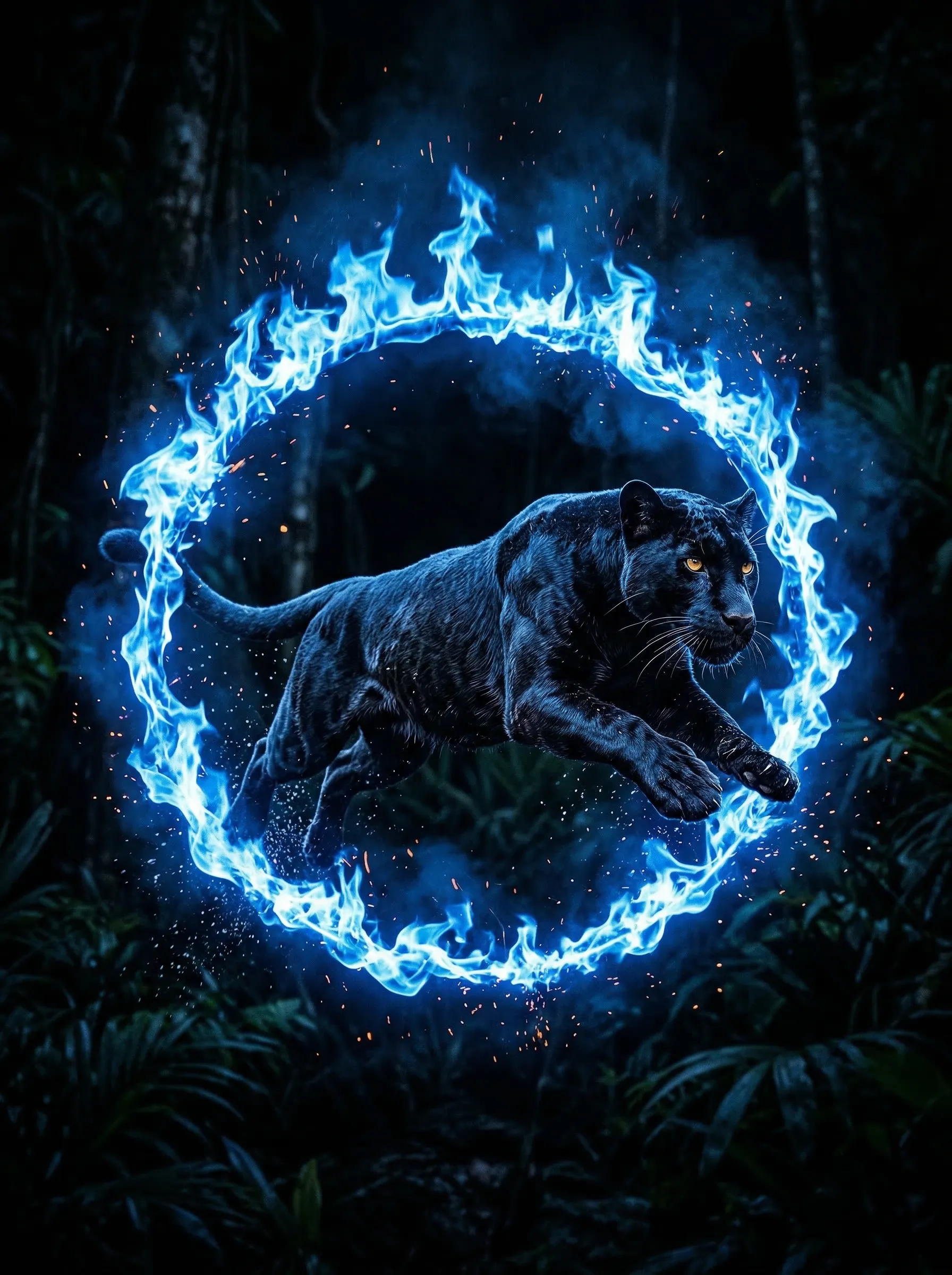




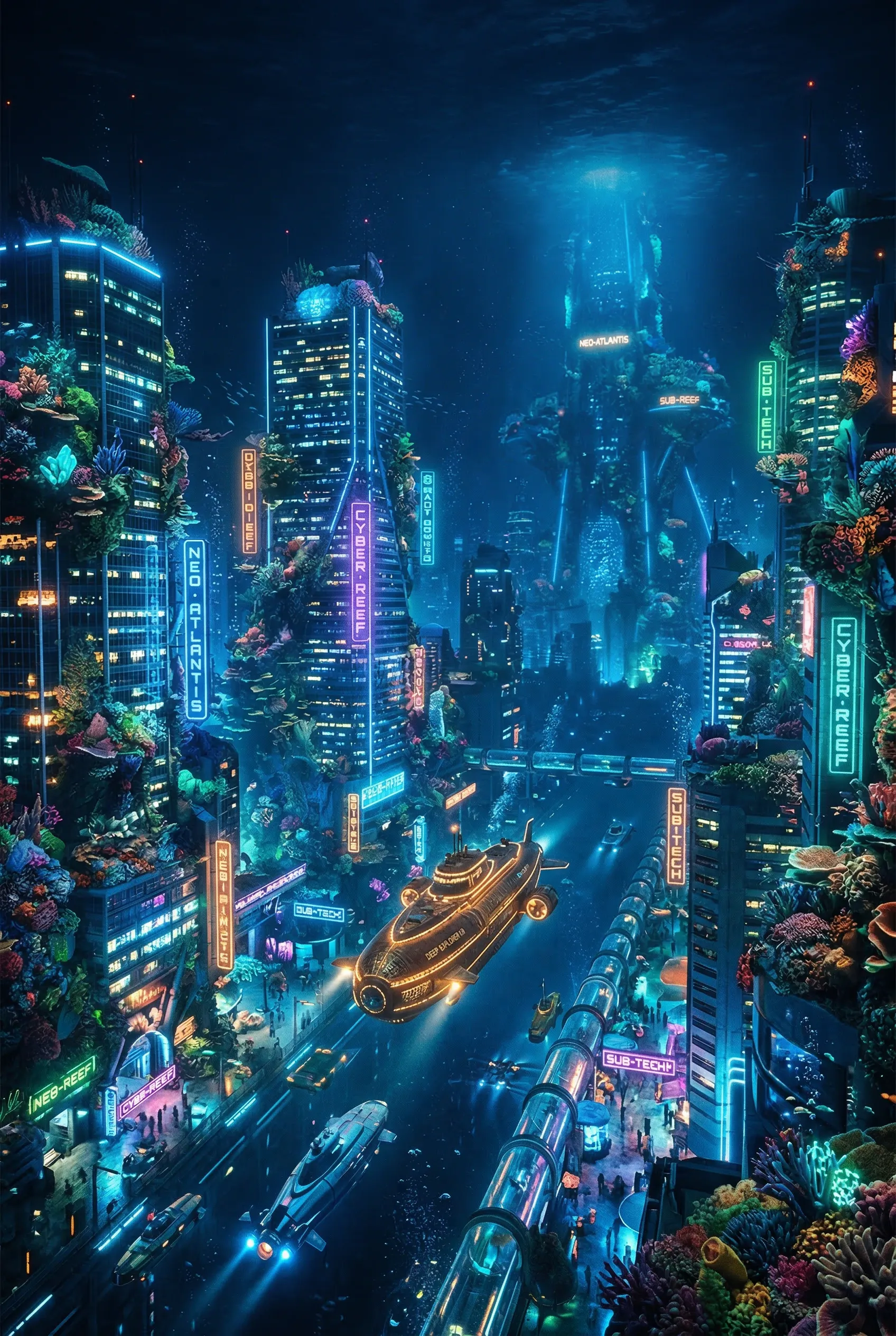
Use Movis Studio's AI image generator to create visuals from text prompts, reference images, and creative edits. Explore styles, compare variations, and keep polished assets organized.
Movis Studio brings the AI image generator workflow into one focused workspace. Start with a prompt or reference image, choose a visual direction, then generate image variations for campaigns, thumbnails, product ideas, social posts, and design concepts. The AI image generator keeps prompts, settings, and results connected so creators can compare ideas without moving between separate tools.
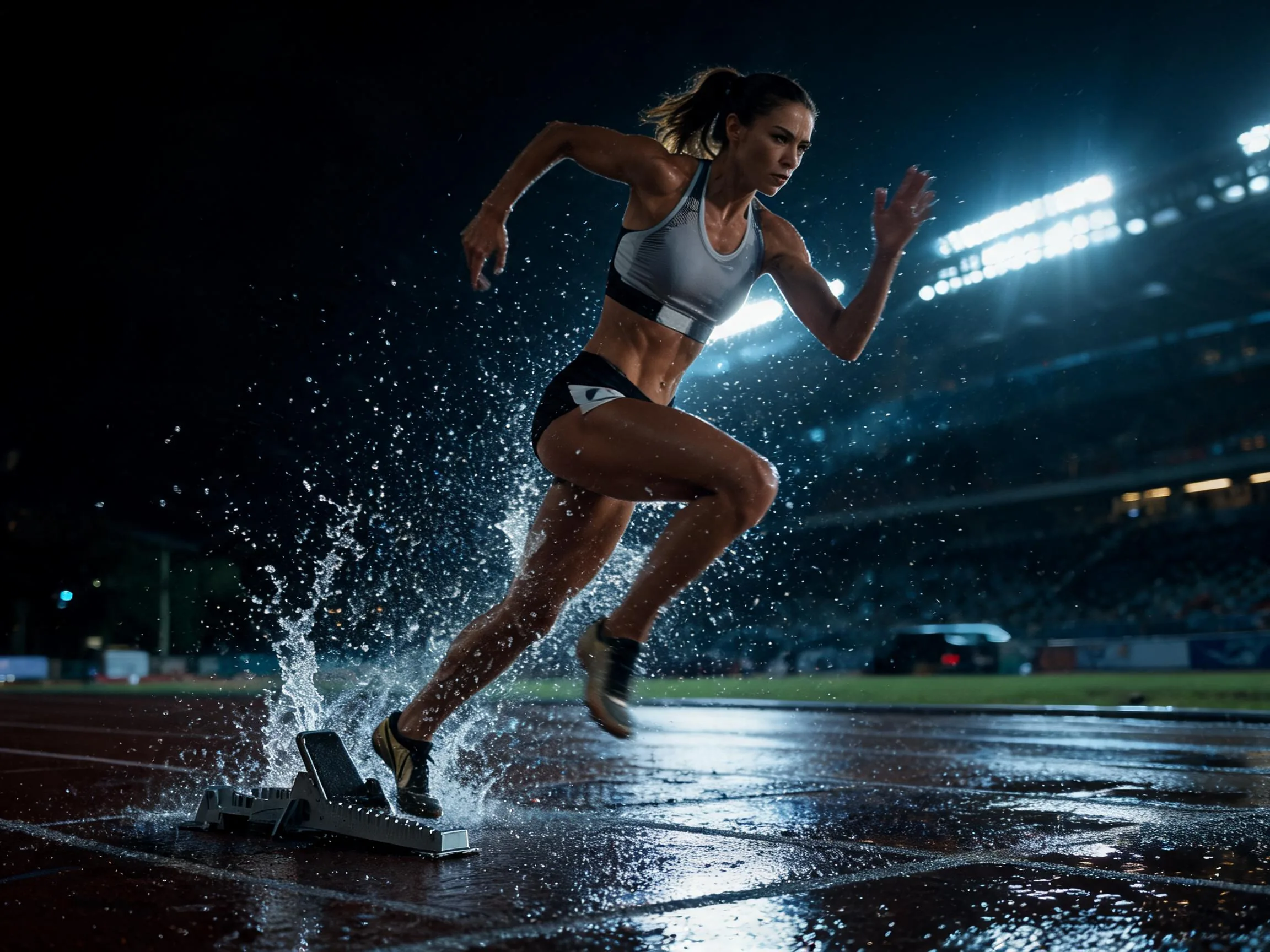
Use the AI image generator from text to turn written ideas into polished visuals. Describe the subject, scene, lighting, style, composition, and mood, then let Movis Studio prepare image generation results for creative reviews, ad testing, brand exploration, and visual storytelling. This AI image generator workflow is useful when a concept starts from a campaign hook or content brief.
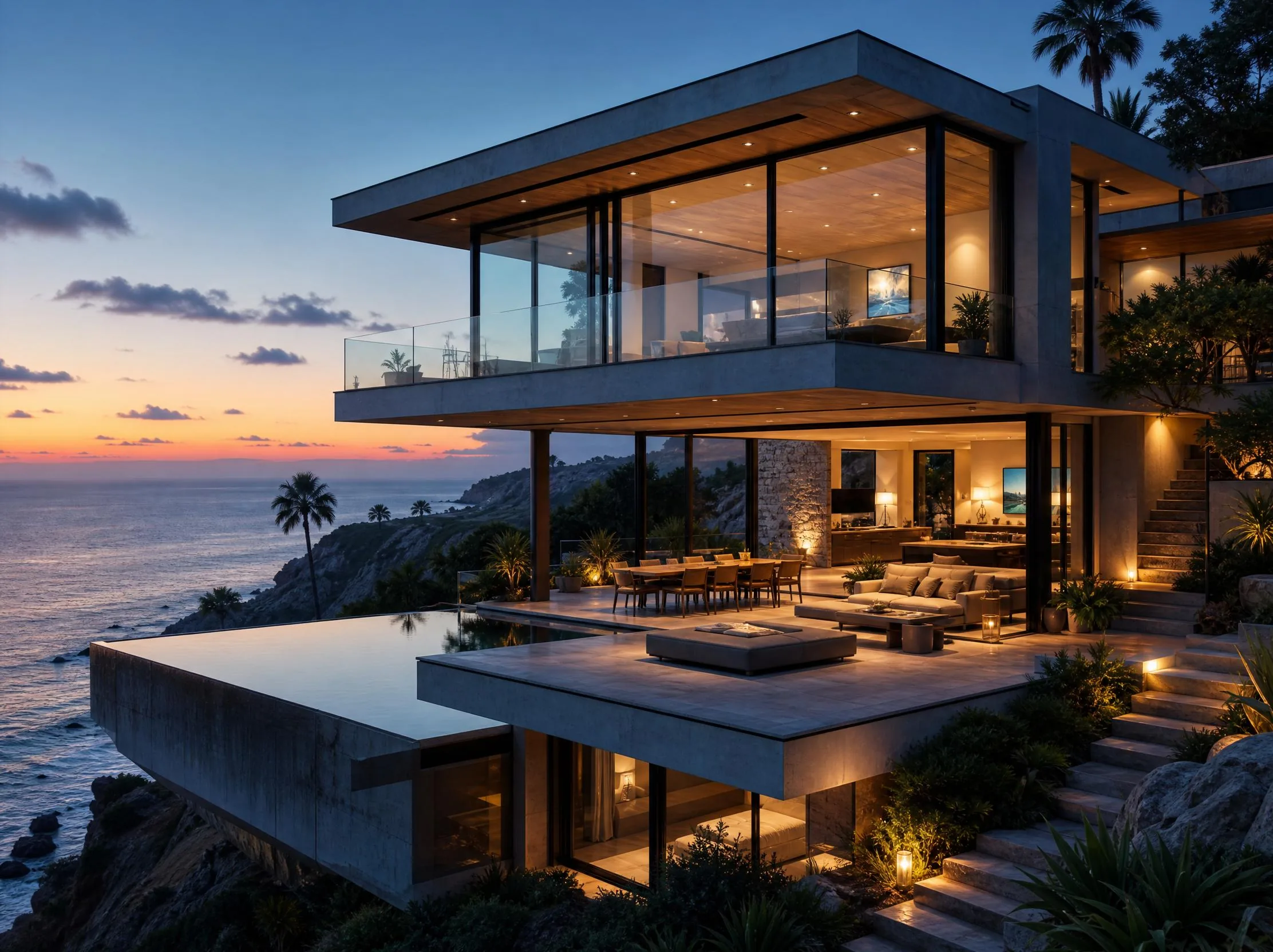
Use the AI image generator from image when you already have a product shot, character, layout, or style direction. Reference images help you explore new variations while keeping the creative brief connected to the original visual idea. This image to image AI workflow makes iteration easier for campaigns, thumbnails, product visuals, and content production.

Explore AI art styles for editorial concepts, moodboards, cinematic frames, posters, and brand visuals. The AI image generator helps creators compare different aesthetics quickly, so teams can choose a stronger visual direction before spending more time on production. This AI image generator is useful for testing color, composition, atmosphere, and campaign mood.
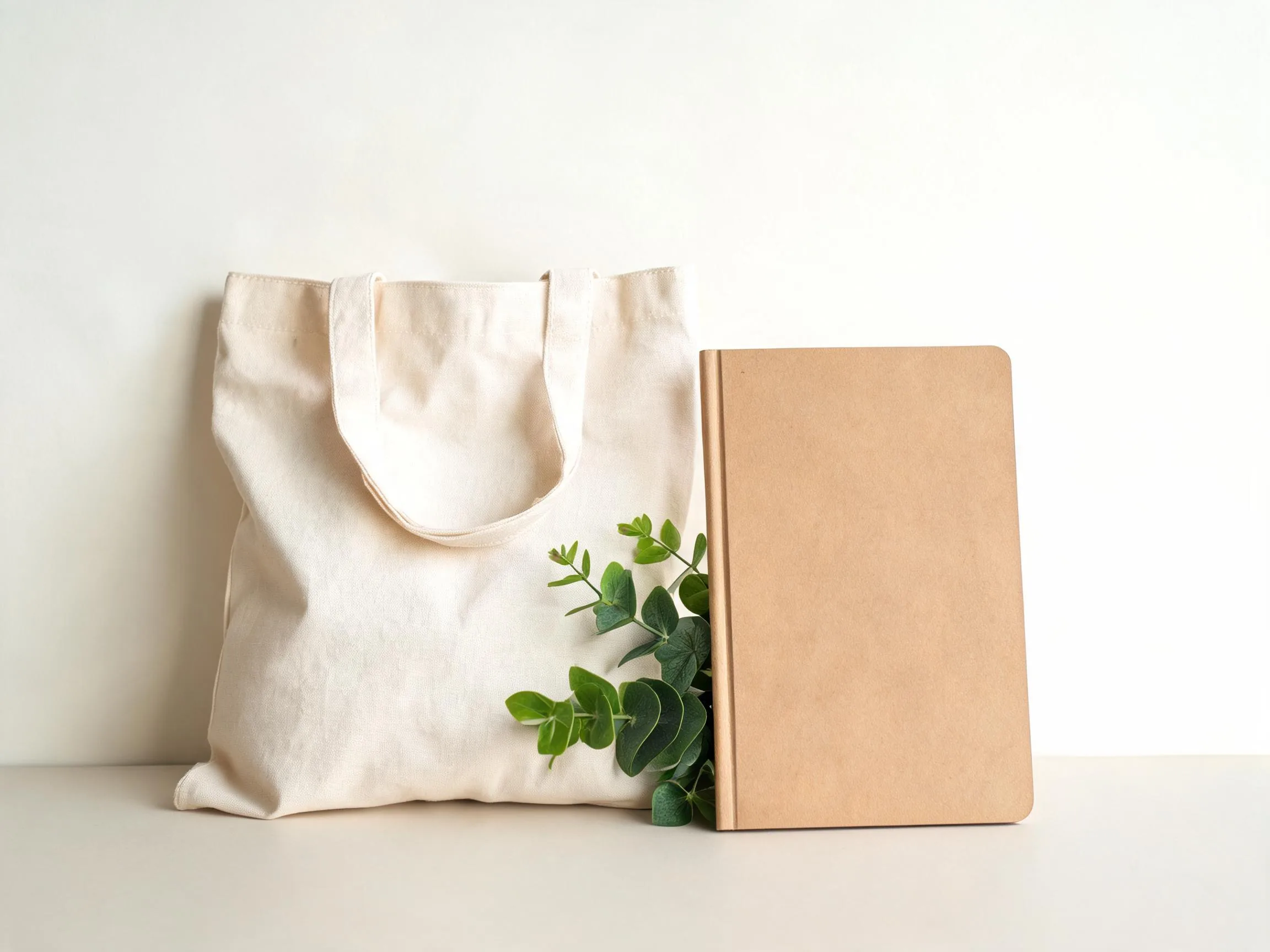
Generate AI image concepts for paid social, product launches, landing pages, thumbnails, and campaign tests. Instead of producing one static direction, Movis Studio supports multiple visual angles, formats, and creative hooks so marketing teams can compare options faster. The AI image generator is built for repeatable creative testing.
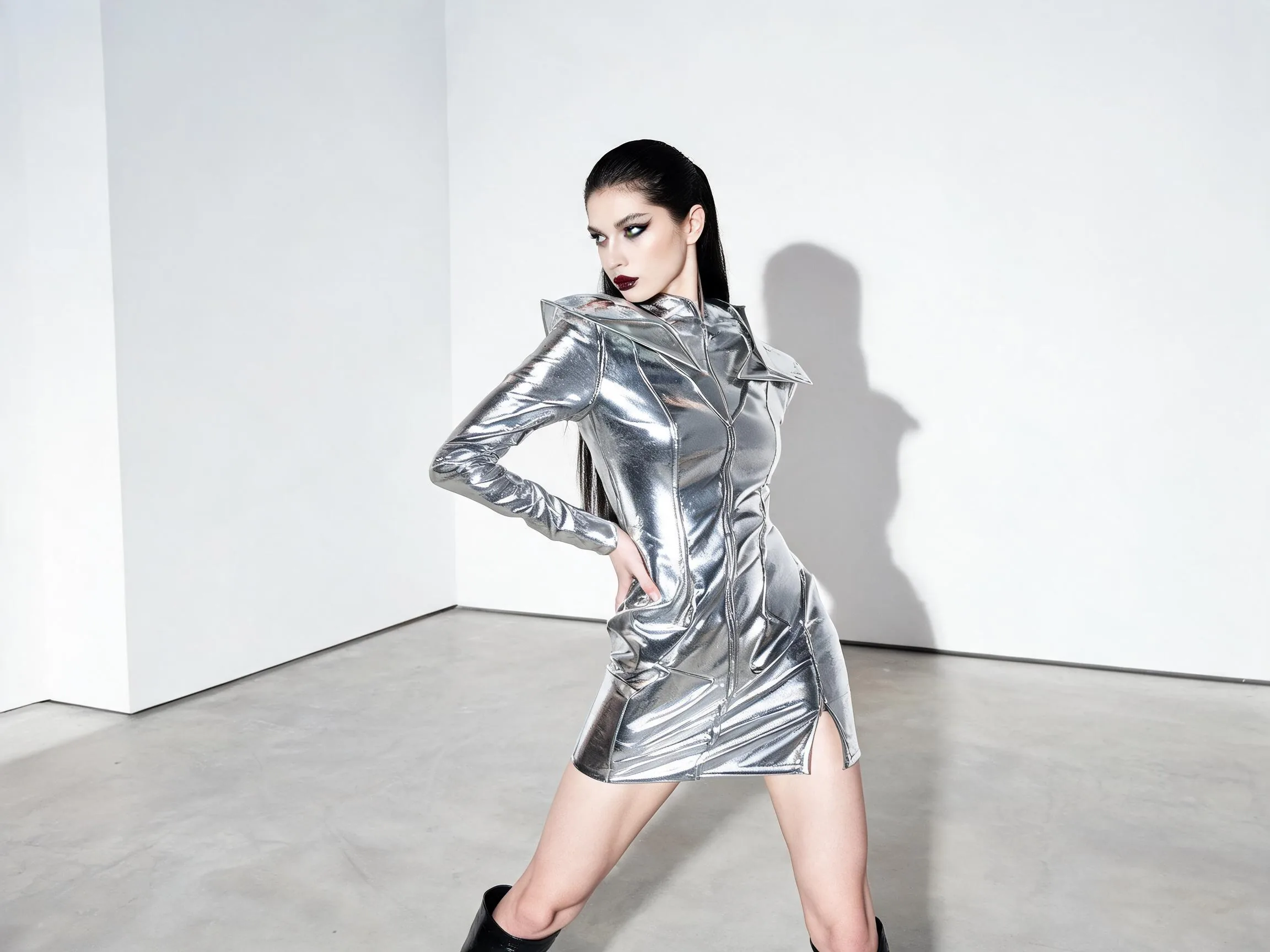
Build reusable visual directions for ongoing content work. With prompts, references, model choices, and generated assets connected in one workspace, creators can return to previous ideas, refine image variations, and keep a more consistent look across campaign materials. The AI image generator helps teams keep visual assets organized across projects.

Describe the image you want to create, including the subject, scene, composition, style, lighting, and mood.
Clear prompts help the AI image generator understand whether you need product visuals, thumbnails, campaign concepts, editorial images, or early design directions.
Select the model and available image settings, or add a reference image when you want to guide the visual direction.
References can help preserve product shape, character direction, layout, or style while you explore new image variations.
Generate the image, compare variations, download strong results, or reuse the prompt for another creative direction.
Your saved results make it easier to revisit polished visuals and keep campaign assets organized across projects.
You can create campaign visuals, product concepts, social posts, thumbnails, moodboards, ad creatives, editorial images, and early design directions from text prompts or image references. Movis Studio is built for creators and marketing teams that need usable visual ideas quickly, not just one-off experiments.
Describe the subject, setting, composition, lighting, color direction, style, mood, and any details that must appear in the final image. If the image is for a campaign or product, include the platform, audience, format, product angle, and creative hook so the output has a clearer purpose.
Yes. The AI image generator works well for product mockups, landing page visuals, social thumbnails, paid ad concepts, blog graphics, and campaign direction boards. For best results, specify the product context, target platform, framing, background, lighting, and any brand-safe visual constraints.
Paid users can use images they generate with Movis Studio for commercial projects, including marketing content, social campaigns, client work, product visuals, and brand assets. You are responsible for making sure prompts, uploaded references, trademarks, recognizable characters, copyrighted styles, and final usage follow applicable rights and platform rules.
Movis Studio focuses on practical creative production: fast prompt-to-image generation, reference-led exploration, model choices, credit estimates, and organized results in one workspace. It is especially useful when you want to generate visuals alongside video, music, and speech assets for a fuller campaign direction.
Yes. When supported by the selected workflow, reference images can guide subject, product shape, layout, character direction, or visual style. This is useful when you already have a source image and want to explore variations without losing the core creative direction.
The tool is well suited for realistic product concepts, stylized campaign visuals, editorial images, social media creatives, thumbnails, moodboards, and early design exploration. Clear prompts with a defined subject, composition, and use case usually produce stronger results than vague style-only prompts.
Credit usage depends on the selected model, generation mode, image count, reference settings, and output options. Movis Studio shows the estimated credit cost before you start, which helps you compare AI image generator settings and plan batches of visuals for campaign testing or content production.
Completed image generations are saved in your account history so you can review previous outputs, compare variations, reuse strong prompt directions, and continue a visual concept later. This helps when you are producing batches of campaign assets or revisiting a product direction.
Yes. The AI image generator includes Translate to English for non-English image ideas, Generate prompt with AI (English) for turning a rough concept into stronger visual prompts, and My Presets / Save as Preset for keeping reusable prompt directions for product concepts, ad creatives, thumbnails, and campaign visuals.
Movis Studio helps us turn campaign ideas into usable creative directions much faster. Instead of preparing video concepts, image variations, speech audio, and music ideas across different tools, we can test them inside one workspace. It is especially useful when we need to compare multiple hooks, styles, and formats before deciding which assets are ready for ad production or client review.
Maya Collins
Growth Marketing Lead
I use Movis Studio when I need to explore creative concepts quickly without losing control of the workflow. Having AI video, image, music, and speech tools together means I can build more complete content drafts, not just isolated outputs. It helps me test visual direction, pacing, tone, and presentation together, then keep the strongest versions organized for editing, approvals, and publishing.
Daniel Kim
Creative Producer
For paid content and social campaigns, Movis Studio makes it easier to produce more variations without making the process messy. We can generate assets for different angles, formats, and audiences, then reuse settings and previous results when a campaign needs another round of iterations. That structure matters when creative volume, consistency, and speed all affect performance.
Sofia Ramirez
Content Strategist