








![00:00–00:02 (2s) OPENING HOOK - ICONIC MARRIAGE ESCAPE SCENE
Shot type: High-angle aerial shot transitioning into a push-in close-up
Setting: Joseon Dynasty Chief State Councilor's Manor with towering crimson walls, a fully bloomed red plum tree growing at the wall's base
Costumes:
Female lead [@Image1]: Wears a pink cross-collar jeogori, layered under a sheer apricot wide-sleeve hanbok outer robe, her chima skirt fully embroidered with interlocking lotus patterns. A few loose strands fall from her updo, making her look both formally grand and subtly disheveled
Male lead [@Image2]: Clad in a black silk dopo woven with subtle golden dragon motifs, cinched at the waist with a carved jade belt, his hair tied high in a neat sangtu topknot, his expression stern and unyielding
The female lead straddles the manor wall, leaning slightly forward, sweat beading on her nose from nervousness, gripping the wall's edge tightly with both hands
The camera pushes in slowly, cutting to a close-up of her biting her lower lip, her eyes warring with reluctance and resolve as she sneaks a furtive glance toward the back courtyard wall
Sound design: Rapid, shallow breathing
00:02–00:06 (4s)
Shot type: Medium tracking shot + low-angle upward shot
Action sequence:
1. The female lead's foot slips, and she instantly loses her balance
2. She gasps out a sharp "Ah--!" flailing her arms wildly as wind sends her skirt billowing upward
Expression: Her pupils blow wide, shifting from flustered panic to sheer terror
Sound design: Howling wind + a dull heavy thud (the sound of her being caught mid-fall)
00:06–00:15 (9s)
Shot type: Orbiting close-up + medium close-up
Action sequence:
1. The Prince Regent, who stood below by the wall, stretches out a long muscular arm to catch her slender waist firmly and accurately, stopping her from hitting the ground
2. He sweeps her smoothly into a bridal carry
3. She crashes into his solid broad chest, her nose brushing the cool sharp scent of pine sandalwood incense on his robes
Expressions:
Female lead: She freezes completely, hands bracing against his chest, the tips of her ears burning bright red, her cheeks so hot they could boil an egg, her eyes darting wildly to avoid his gaze as she stammers "You... who are you? Put... put me down right now!"
Male lead: His previously cold sharp features soften the moment he feels the warmth of her body against his, a faint nearly unnoticeable smile tugging at the corner of his lips
Line (male lead's deep magnetic voice laced with fond exasperation): "Who am I? I'm the Prince Regent you were willing to climb over a wall to escape marrying."
Shot type: Extreme face close-up of the pair (maxing out their electrifying romantic chemistry)
Action sequence:
1. The male lead's thumb brushes gently over the wrist he holds in his palm
2. He leans in slightly, pressing his forehead to hers, their noses brushing, their breaths mingling
3. The female lead's eyelashes tremble violently, casting long soft shadows under her eyes
Expressions: Her eyes glisten with unshed tears, flushed with equal parts embarrassment and anger, the rims of her eyes pink, her gaze still darting away as she presses her hands hard to his chest
He stares deeply at her, his gaze brimming with raw possessiveness and unhidden tenderness](https://static.movis.studio/pages/explore/videos/cover/106-joseon-marriage-escape-romantic-encounter.webp?attempt=0)


Convert scripts into natural text to speech audio with Movis Studio. Create voiceovers for narration, product videos, ads, tutorials, and social content.
Movis Studio turns scripts, narration notes, product copy, and short-form content ideas into natural text to speech audio. Start with text, choose the language and available speech settings, estimate credits, and generate audio without moving between separate tools. This speech workflow is built for creators, marketers, educators, and teams that need clear spoken content for repeatable production.

Use a text to speech generator when you need narration, product explainers, social clips, tutorial audio, or campaign voiceovers from a written script. The workflow helps you move from copy to generated speech quickly while keeping the script, language, model choice, and output history in one place. It is a practical way to test spoken messaging before final edits.
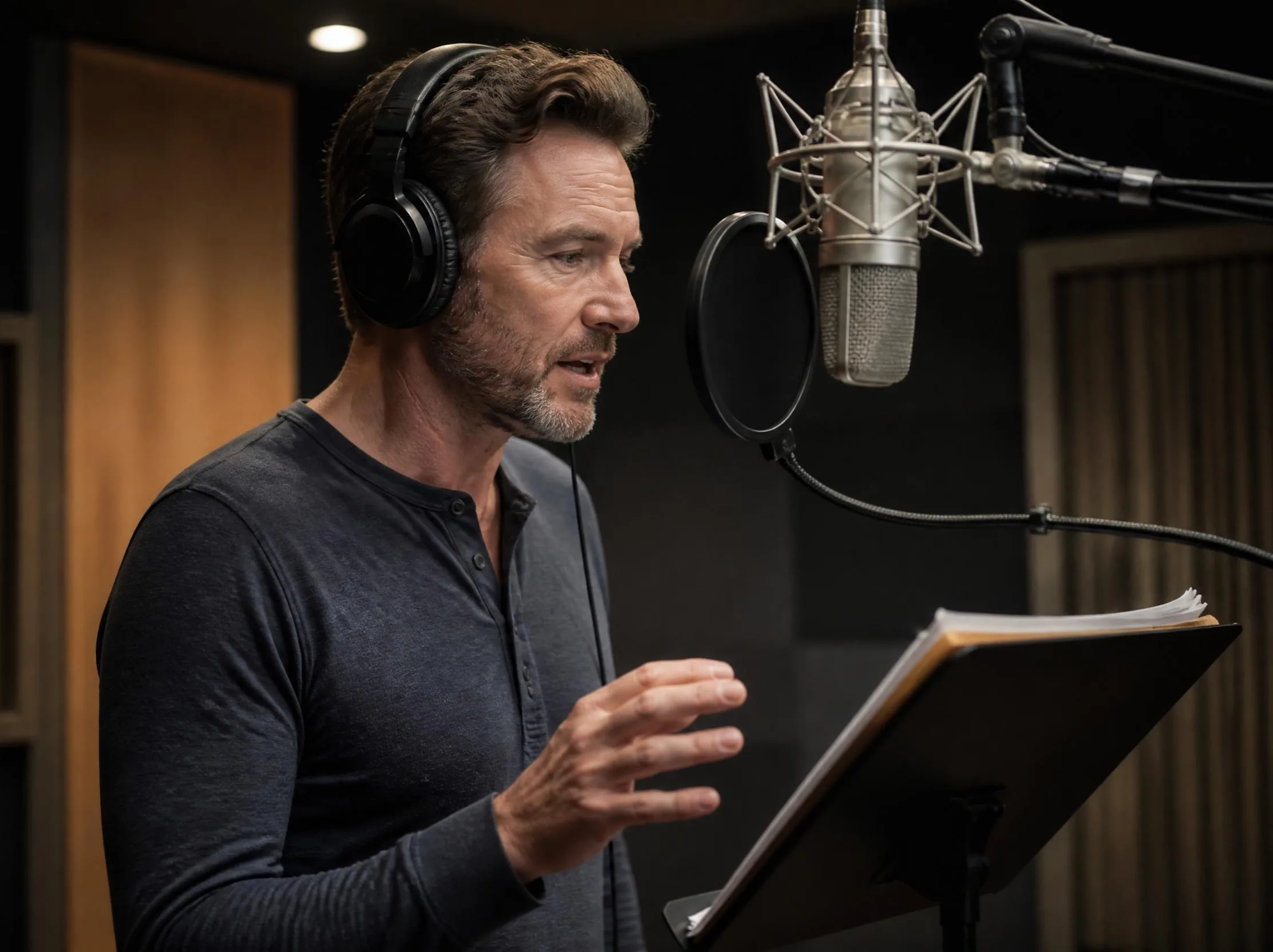
Speech generation is useful when the content already exists as a script, outline, ad hook, explainer, or dialogue draft. Paste the text, keep the message clear, and generate spoken audio that can support videos, demos, internal reviews, educational content, and social posts. Movis Studio keeps this process focused on producing usable narration rather than scattered audio experiments.
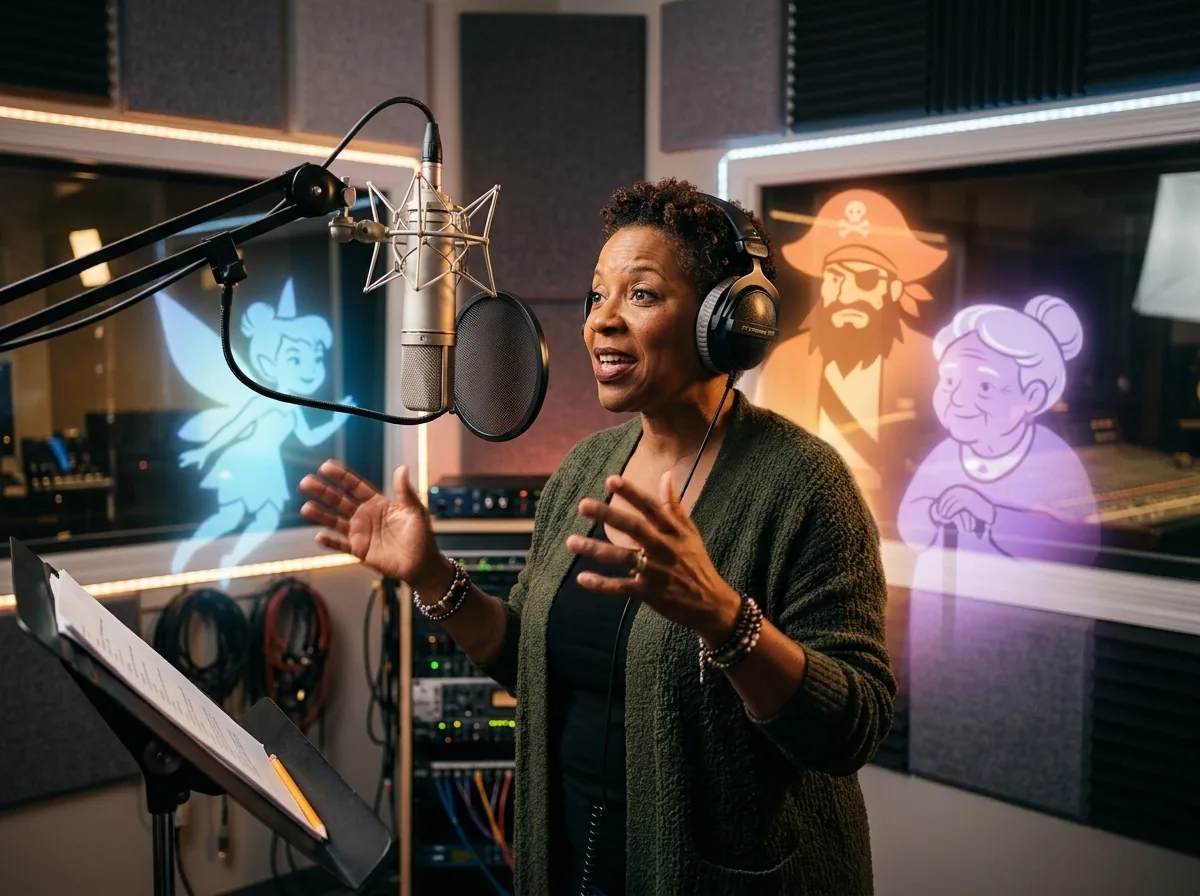
AI speech generation helps production teams test narration for product videos, social ads, onboarding clips, presentations, and short educational content. You can adjust the script, review the spoken result, and keep the strongest direction for the next creative round. This makes speech generation useful for campaign testing, content localization, and quick voiceover drafts.
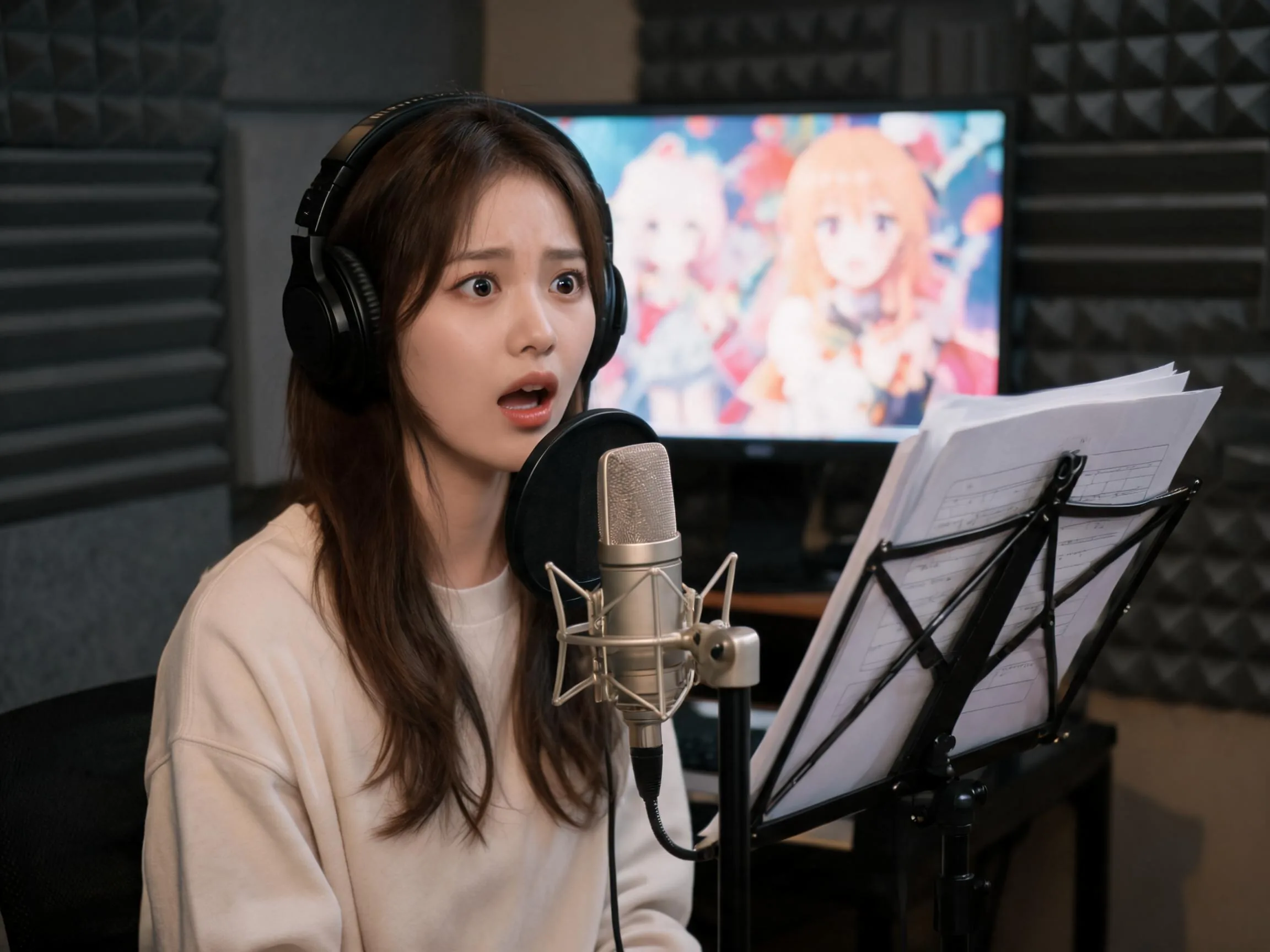
A focused speech workflow should make the important controls easy to compare. Movis Studio keeps script input, speech model options, language choices, style settings, credits, and generated results together, so you can review each output with the surrounding creative project. That structure helps teams make clearer decisions before using generated speech in finished content.
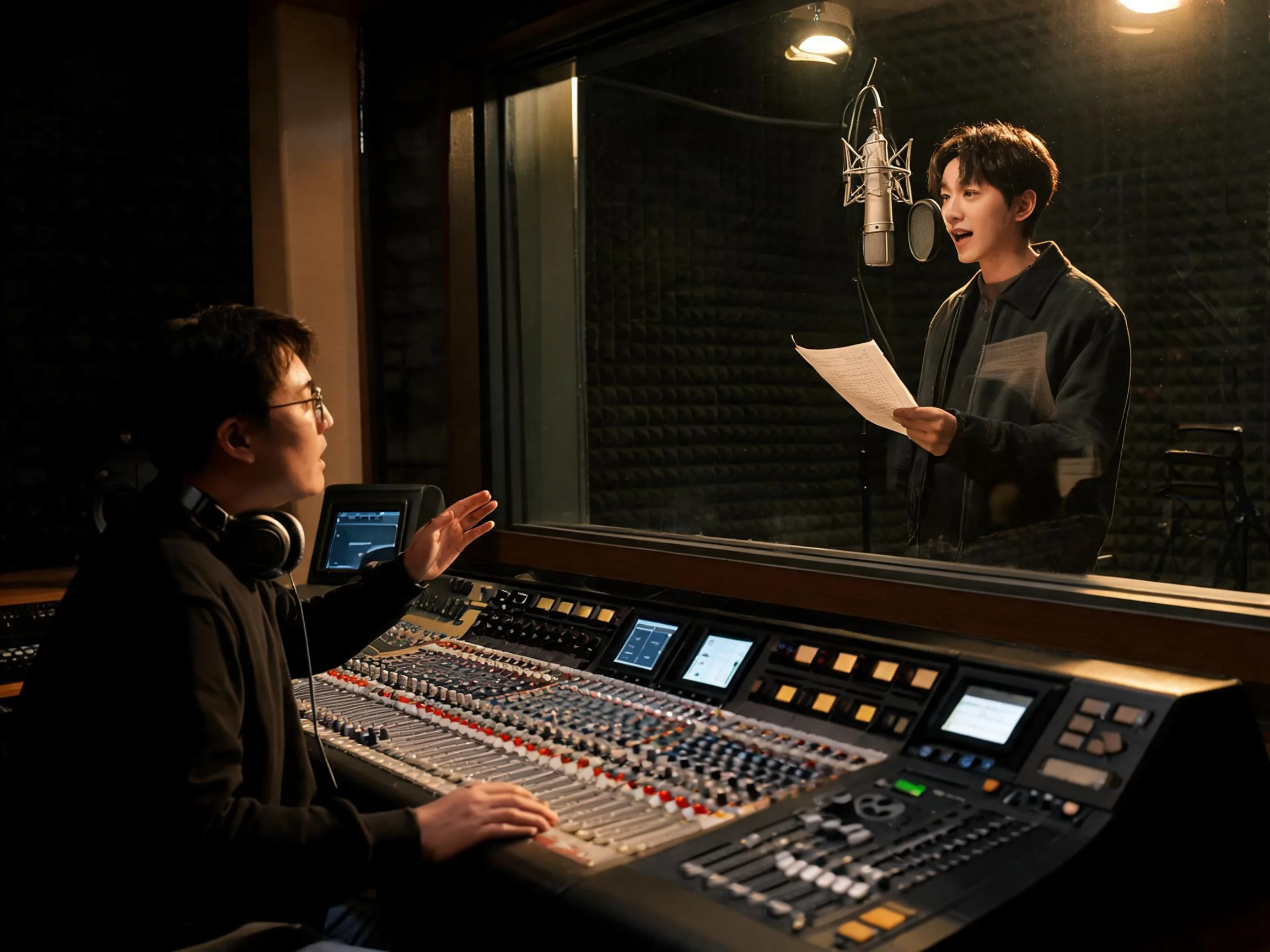
Generated speech becomes more useful when it is connected to the rest of the content workflow. Movis Studio helps you return to previous scripts, reuse strong settings, compare speech results, and keep audio connected to video, image, and music assets. This supports recurring social posts, product launches, course content, and campaign review cycles.
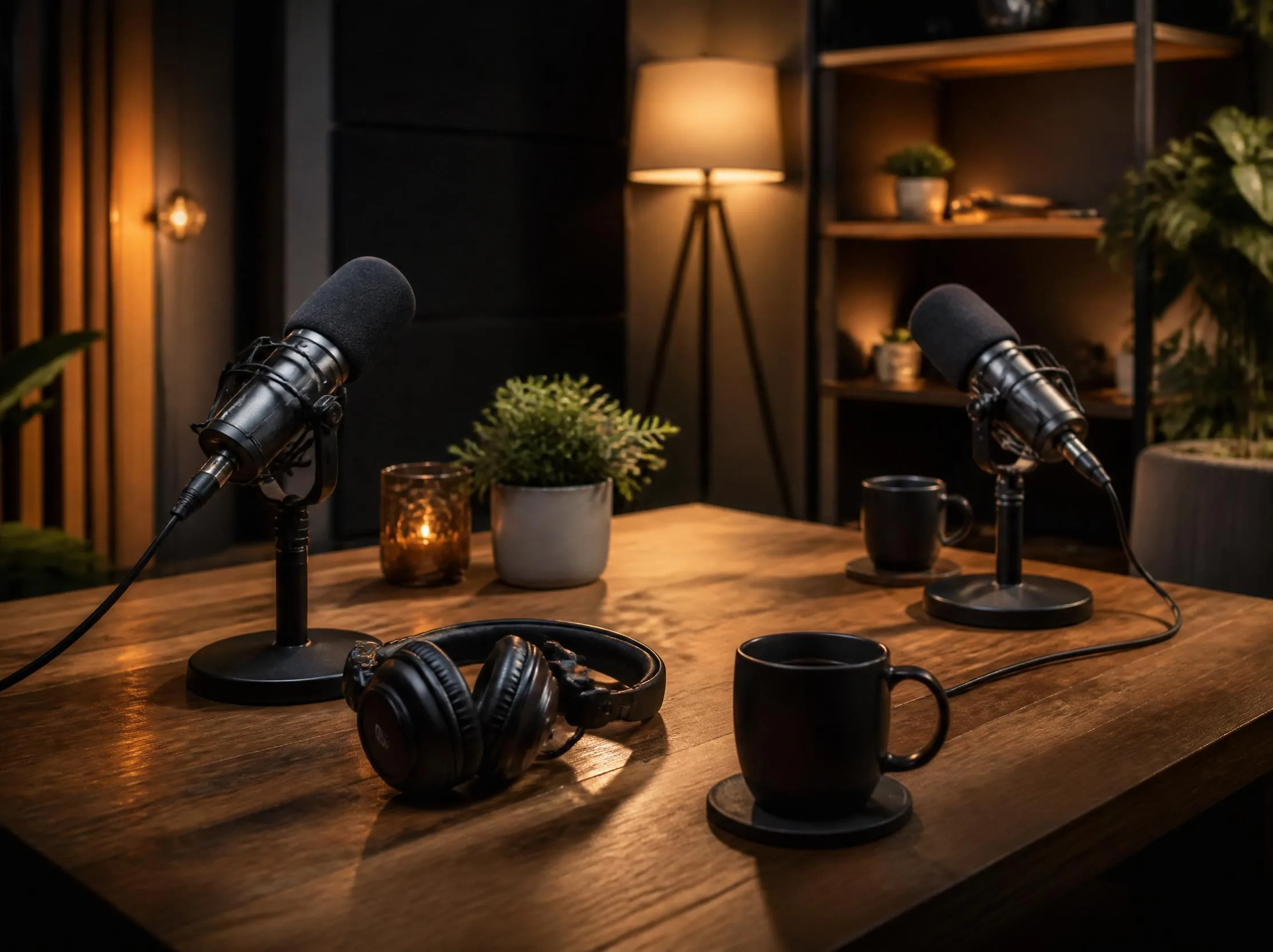
Enter the exact words you want spoken, then keep the script clear, direct, and natural for spoken delivery.
Shorter sentences, punctuation, and paragraph breaks help the text to speech workflow produce cleaner narration.
Select available speech options such as language, model, style, or output settings before starting generation.
Review names, product terms, acronyms, and pronunciation-sensitive words before generating the final voiceover.
Generate the speech audio, review the result, download the file, or adjust the script for another version.
Saved speech results help you compare narration directions for videos, ads, tutorials, product demos, and campaigns.
A text to speech generator converts written text into spoken audio. In Movis Studio, you can enter a script, choose available text to speech settings, estimate credits, and generate narration for videos, ads, social posts, tutorials, product demos, and internal creative reviews.
Short, clear scripts usually work best. Use natural sentence breaks, punctuation, and direct language that sounds good when spoken aloud. For ads, tutorials, product videos, or educational content, include the exact words you want spoken and review the generated speech before publishing.
Yes. Movis Studio can help create text to speech audio for product videos, social ads, explainer clips, onboarding flows, presentations, tutorials, and educational materials. It is useful when you need to test multiple scripts or narration directions before final editing.
Paid users can use generated speech audio from Movis Studio for commercial projects, including marketing content, client work, social campaigns, product videos, and brand assets. You are responsible for making sure scripts, references, voice likenesses, consent requirements, endorsements, and final usage follow applicable rights and platform rules.
Movis Studio makes text to speech useful for real content workflows. You can turn scripts into narration, estimate credits before generation, keep speech results organized, and combine voiceover with video, image, and music assets when building campaign drafts or production-ready content.
Write the script the way a person would speak it. Use shorter sentences, clear punctuation, paragraph breaks, and wording that matches the intended tone. Reading the script aloud before generation is a good way to catch stiff phrasing, awkward pauses, or overly long sentences.
You can guide pacing and pauses through punctuation, sentence length, paragraph breaks, and clear script formatting. For important names, product terms, acronyms, or unusual words, add pronunciation-friendly spelling or rewrite the sentence so the generated speech is easier to read naturally.
Credit usage depends on the selected text to speech model, script length, and output settings. Movis Studio shows the estimated cost before generation, which helps you plan batches of narration, compare settings, and decide how much testing to run before choosing the final speech direction.
Completed speech generations are saved in your account history so you can review previous outputs, reuse strong script directions, and continue refining a project. This makes the workflow more practical for recurring social posts, product updates, education content, and multi-asset campaign workflows.
AI Speech text enhancement rewrites your script to better match the selected voice vibe before text-to-speech generation. For example, it can help make a script sound more professional, calm, sincere, dramatic, friendly, or energetic while keeping the intended message. You can also translate text to the selected language and save strong scripts as presets for later voiceover work.
Movis Studio helps us turn campaign ideas into usable creative directions much faster. Instead of preparing video concepts, image variations, speech audio, and music ideas across different tools, we can test them inside one workspace. It is especially useful when we need to compare multiple hooks, styles, and formats before deciding which assets are ready for ad production or client review.
Maya Collins
Growth Marketing Lead
I use Movis Studio when I need to explore creative concepts quickly without losing control of the workflow. Having AI video, image, music, and speech tools together means I can build more complete content drafts, not just isolated outputs. It helps me test visual direction, pacing, tone, and presentation together, then keep the strongest versions organized for editing, approvals, and publishing.
Daniel Kim
Creative Producer
For paid content and social campaigns, Movis Studio makes it easier to produce more variations without making the process messy. We can generate assets for different angles, formats, and audiences, then reuse settings and previous results when a campaign needs another round of iterations. That structure matters when creative volume, consistency, and speed all affect performance.
Sofia Ramirez
Content Strategist