






Create AI videos from text prompts or image references with Movis Studio's AI video generator. Choose models, formats, duration, and resolution in one focused workspace.
Movis Studio brings the full AI video generator workflow into one focused workspace. Start with a text prompt or image reference, choose from AI video generation models, then adjust aspect ratio, duration, resolution, motion style, and output quality. This workflow helps creators move from rough ideas to AI generated videos without jumping between separate tools.
Use text to video AI to turn a written idea into a moving scene. Describe the subject, action, setting, camera movement, lighting, and visual style, then let Movis Studio prepare the AI video generator settings. This workflow is useful for social clips, campaign concepts, short storyboards, product scenes, and quick creative tests when you want an AI video generator from text.
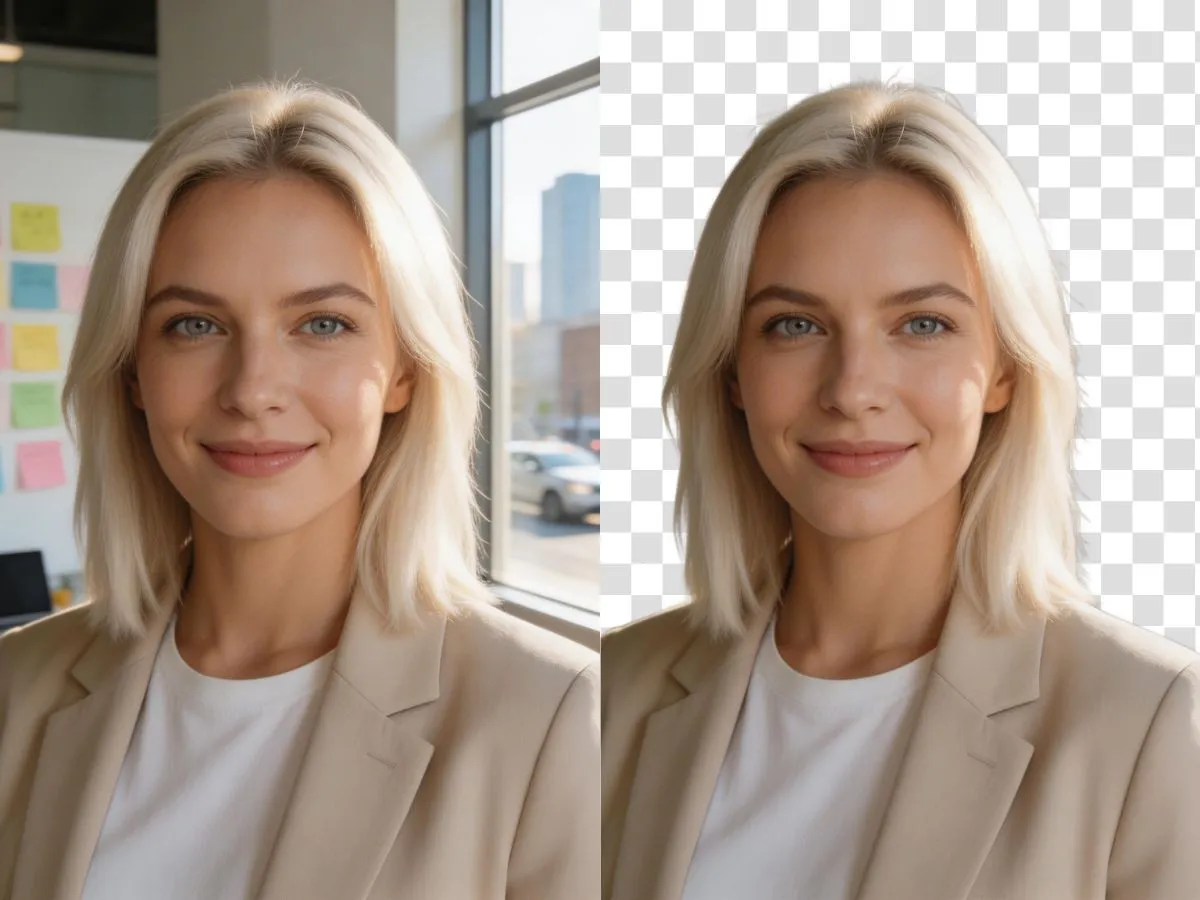
Use image to video AI when you already have a photo, character, product shot, or visual reference. Upload a starting frame, keep the visual identity, and generate motion, atmosphere, and scene continuity from that image. This makes Movis Studio useful as an AI video generator from image for creators who want an AI video generator that can animate still visuals into short videos.
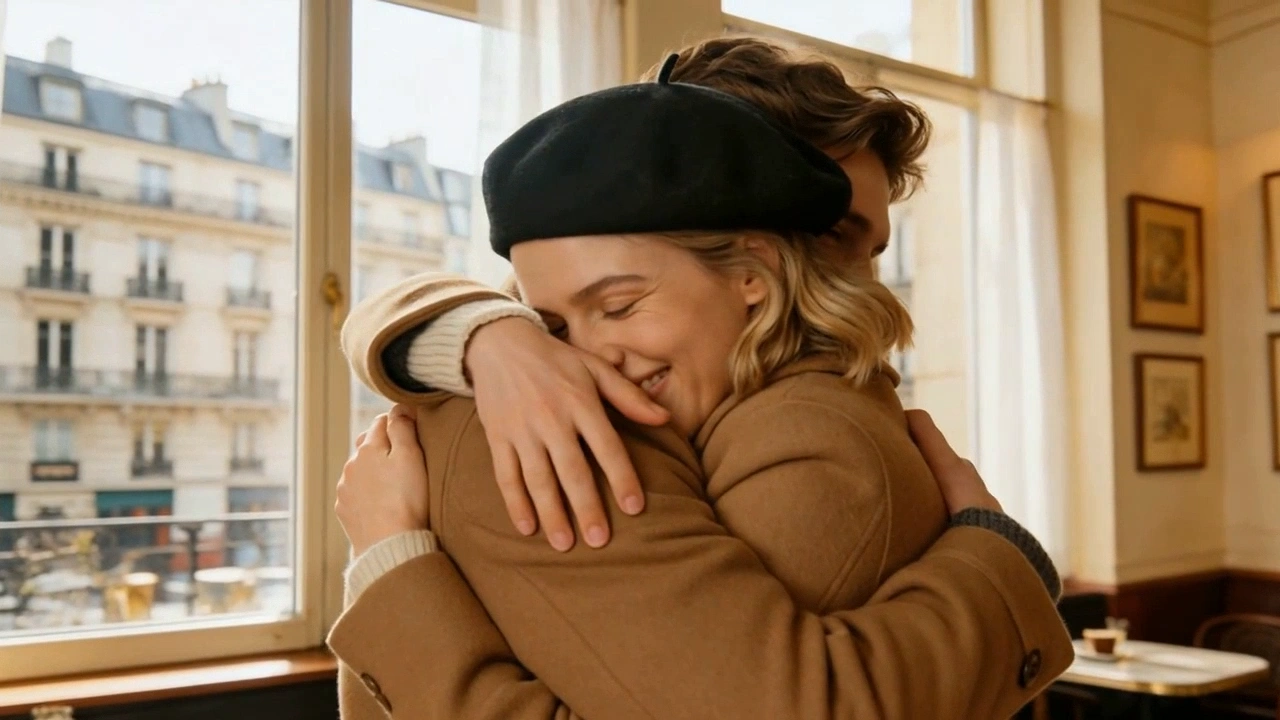
Create avatar-style scenes, character moments, spokesperson clips, and branded visual demos with an AI video generator. The video workflow helps you test different video models, formats, and motion directions before committing to a final version. It is useful for marketers, educators, founders, and creators who need fast video drafts from simple inputs.
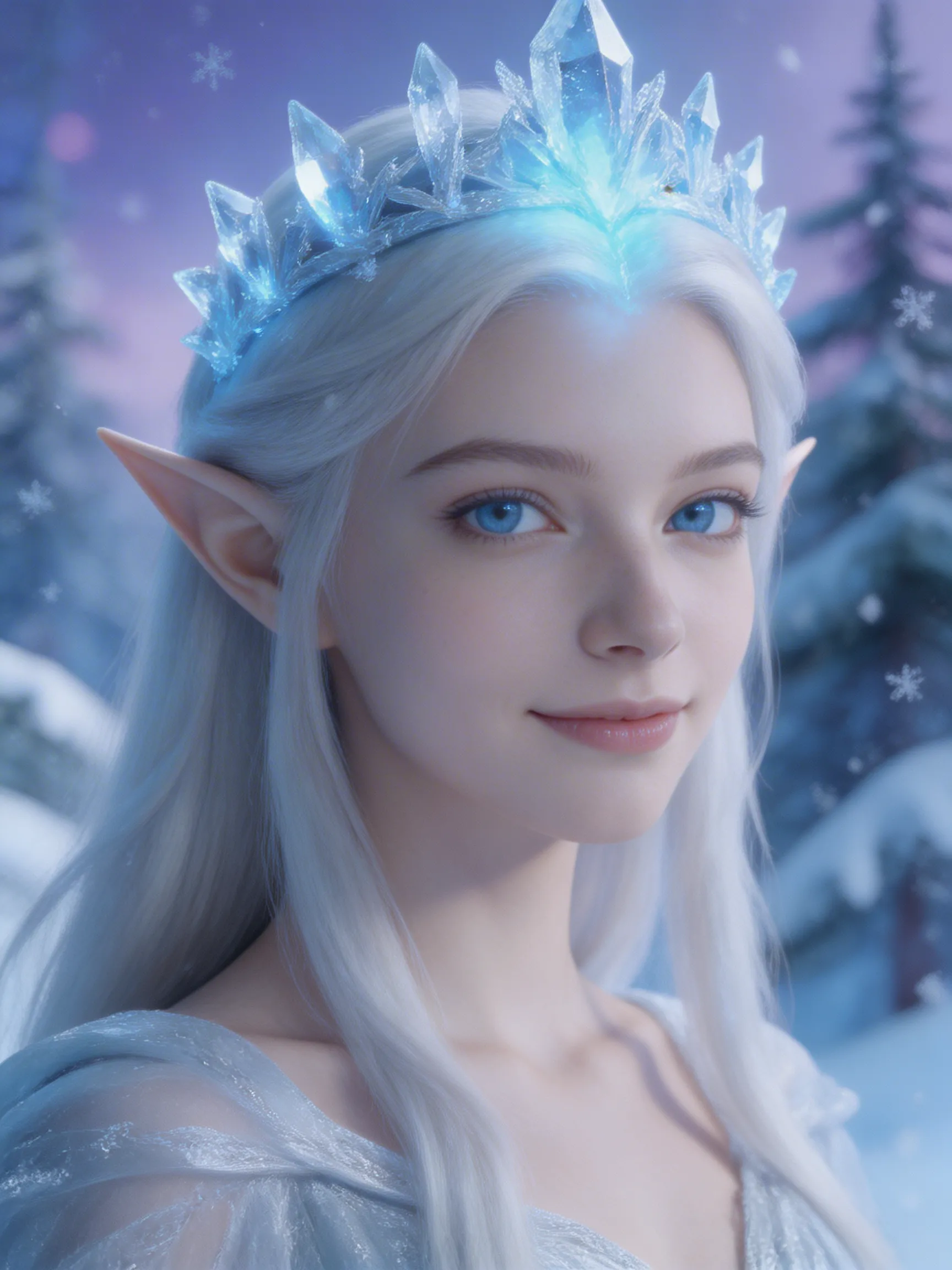
Turn rough creative ideas into AI generated video effects with stylized motion, dramatic atmosphere, cinematic transitions, and visual experiments. This AI video generator workflow supports campaign ideas, short-form content, and visual storytelling when you need more than a static concept. Movis Studio keeps the creative prompt, model choice, and output settings connected in one place.
Use Movis Studio to create consistent short video clips with matching subjects, framing, mood, and visual direction. Instead of generating disconnected results, the AI video generator lets you reuse prompts, settings, and references to build a stronger sequence. This supports storyboards, ads, creator content, and multi-scene production where continuity matters.
Write a prompt for the AI video generator that explains the subject, scene, action, mood, and visual style you want to create.
A clear prompt helps the AI video generator understand the motion, pacing, camera direction, and creative intent behind the clip.
Select an AI video generation model, then adjust aspect ratio, duration, resolution, and available output settings.
Different models support different controls, so Movis Studio keeps the settings visible before you start generation.
Run the generation, preview the completed video, download the result, or reuse the settings for another version.
Your generation history and reusable parameters make it easier to continue a visual direction instead of starting over each time.
You can create short video concepts for social posts, ad creatives, product demos, storyboards, visual effects, brand experiments, and campaign previews. The AI video generator helps turn text prompts or image references into video drafts that are useful for creative testing before heavier editing or production.
A strong text to video AI prompt should describe the subject, setting, action, camera movement, mood, visual style, and any important details you want the model to follow. For campaign or content work, it also helps to mention the platform format, audience, pacing, product angle, or creative hook so the generated video is closer to the direction you need.
Yes. You can generate short-form video ideas for paid ads, organic social posts, product launches, feature teasers, landing page assets, and presentation drafts. Include the target platform, aspect ratio, audience, pacing, and product message in your prompt for more focused results.
Paid users can use videos they generate with Movis Studio for commercial projects, including ads, social campaigns, client work, product videos, and brand assets. You are responsible for making sure prompts, uploaded references, people, likenesses, brand materials, third-party assets, and final usage follow applicable rights and platform rules.
Movis Studio's AI video generator is built for video ideation in a broader creative workflow. You can generate video drafts, compare models and settings, estimate credits before running tasks, and keep results organized alongside image, music, and speech assets so a campaign concept can develop in one place.
Yes. Supported image-to-video workflows let you start from a product shot, character frame, visual concept, or reference image. This can help preserve the first-frame direction while exploring motion, camera movement, scene energy, and short-form storytelling.
Be specific about what moves, how the camera behaves, and what the viewer should notice. Phrases like slow push-in, handheld tracking shot, subject turns toward camera, product rotates on a clean background, or fast social ad pacing help the model understand motion instead of treating the prompt like a still image.
Generation time depends on the selected model, duration, resolution, queue load, and whether you start from text or an image reference. Short concept drafts may finish sooner, while longer or higher-quality outputs can take more time. Movis Studio keeps the task visible while it processes.
Credit usage depends on the selected video model, generation mode, duration, resolution, and related output settings. Movis Studio shows the estimated credit cost before you start generation, which helps you compare options and plan batches of videos for content production or campaign testing.
Yes. The AI video generator includes Translate to English for turning non-English ideas into model-ready English prompts, Generate prompt with AI (English) for creating stronger video prompt options from a short idea, and My Presets / Save as Preset for saving prompt directions you want to reuse in later video drafts.
Movis Studio helps us turn campaign ideas into usable creative directions much faster. Instead of preparing video concepts, image variations, speech audio, and music ideas across different tools, we can test them inside one workspace. It is especially useful when we need to compare multiple hooks, styles, and formats before deciding which assets are ready for ad production or client review.
Maya Collins
Growth Marketing Lead
I use Movis Studio when I need to explore creative concepts quickly without losing control of the workflow. Having AI video, image, music, and speech tools together means I can build more complete content drafts, not just isolated outputs. It helps me test visual direction, pacing, tone, and presentation together, then keep the strongest versions organized for editing, approvals, and publishing.
Daniel Kim
Creative Producer
For paid content and social campaigns, Movis Studio makes it easier to produce more variations without making the process messy. We can generate assets for different angles, formats, and audiences, then reuse settings and previous results when a campaign needs another round of iterations. That structure matters when creative volume, consistency, and speed all affect performance.
Sofia Ramirez
Content Strategist