Upload a product photo, portrait, or social media image and remove the background in seconds. Our AI background remover automatically detects the main subject, preserves fine edges like hair and accessories, and exports a clean transparent PNG for ecommerce, design, and marketing workflows.

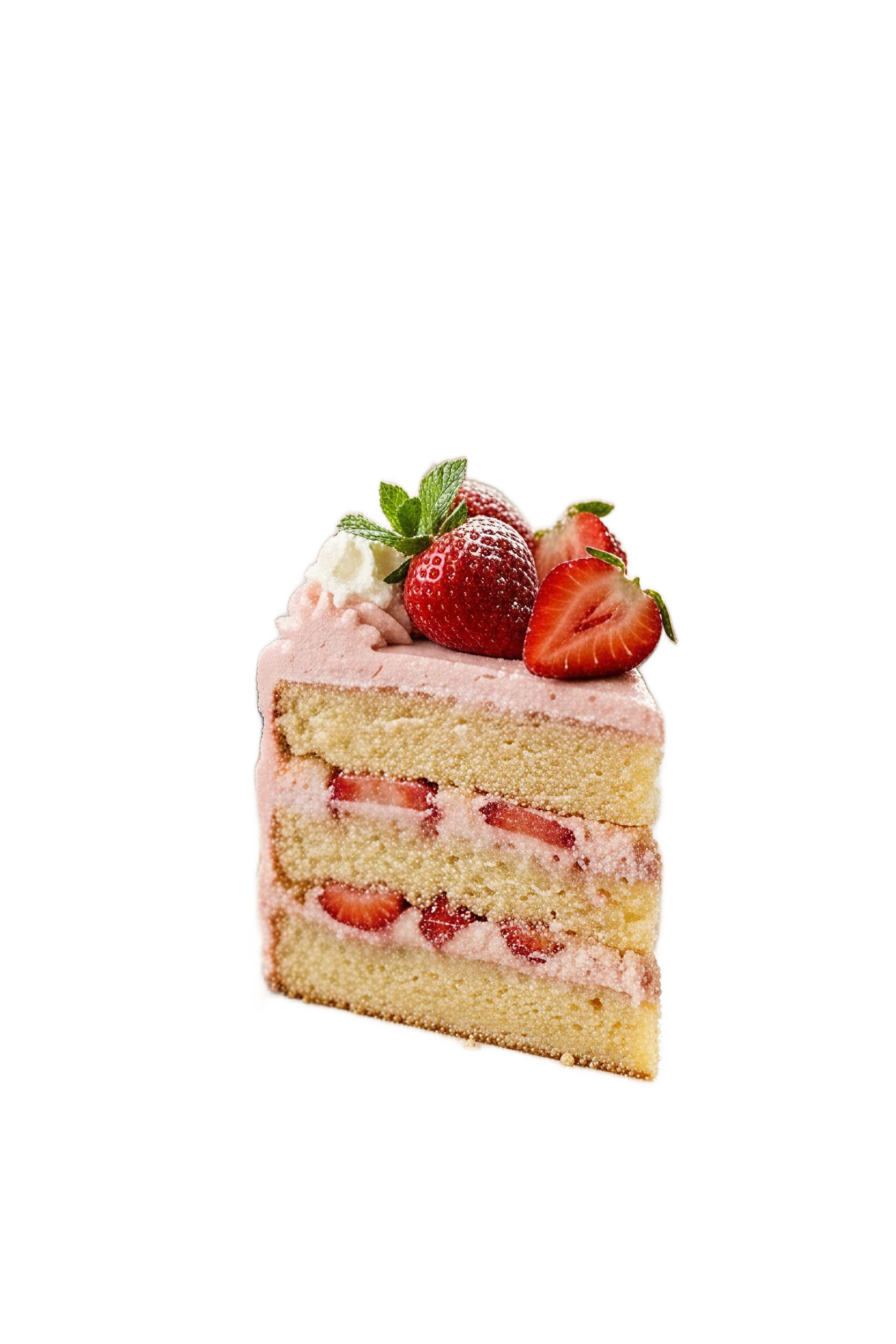

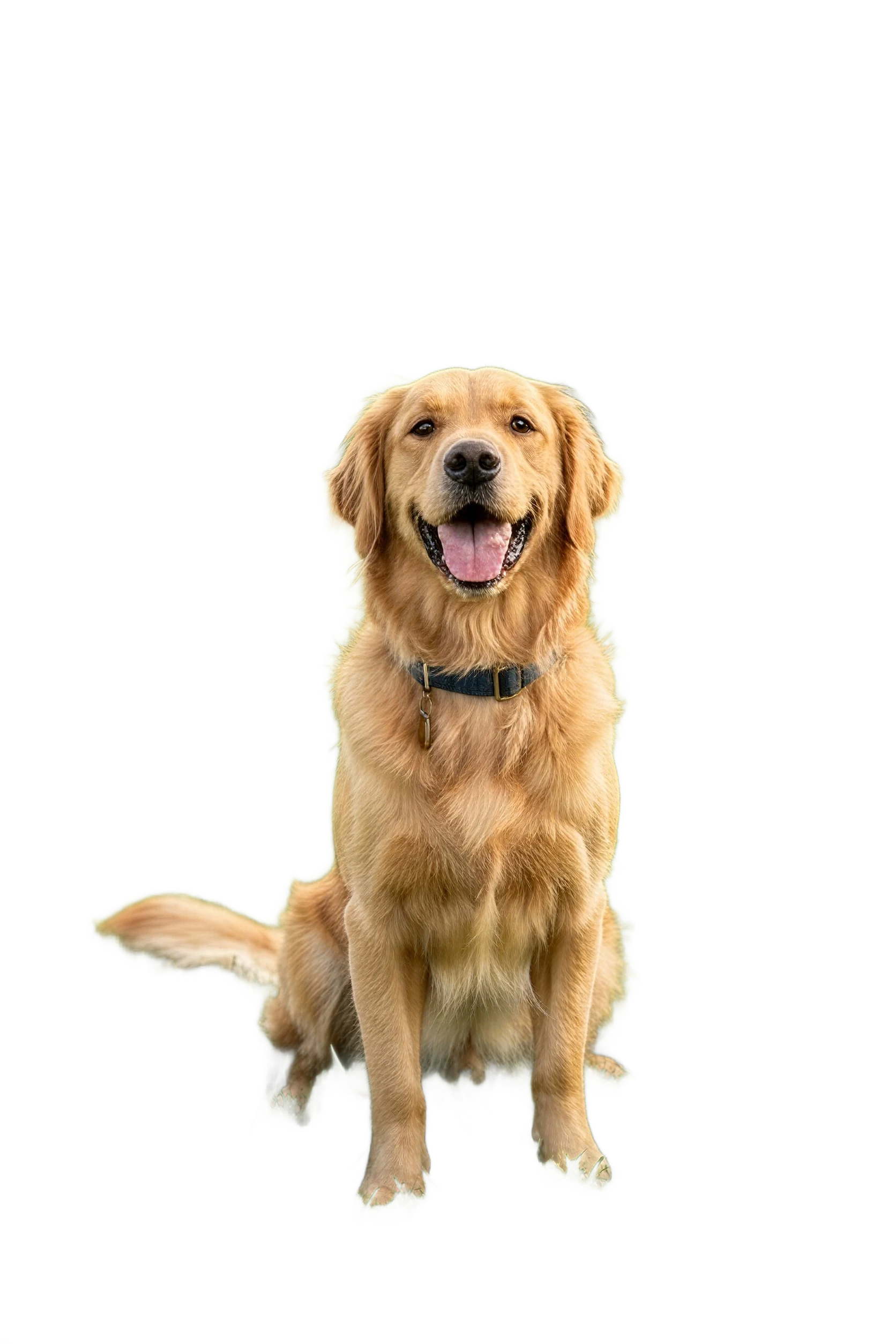
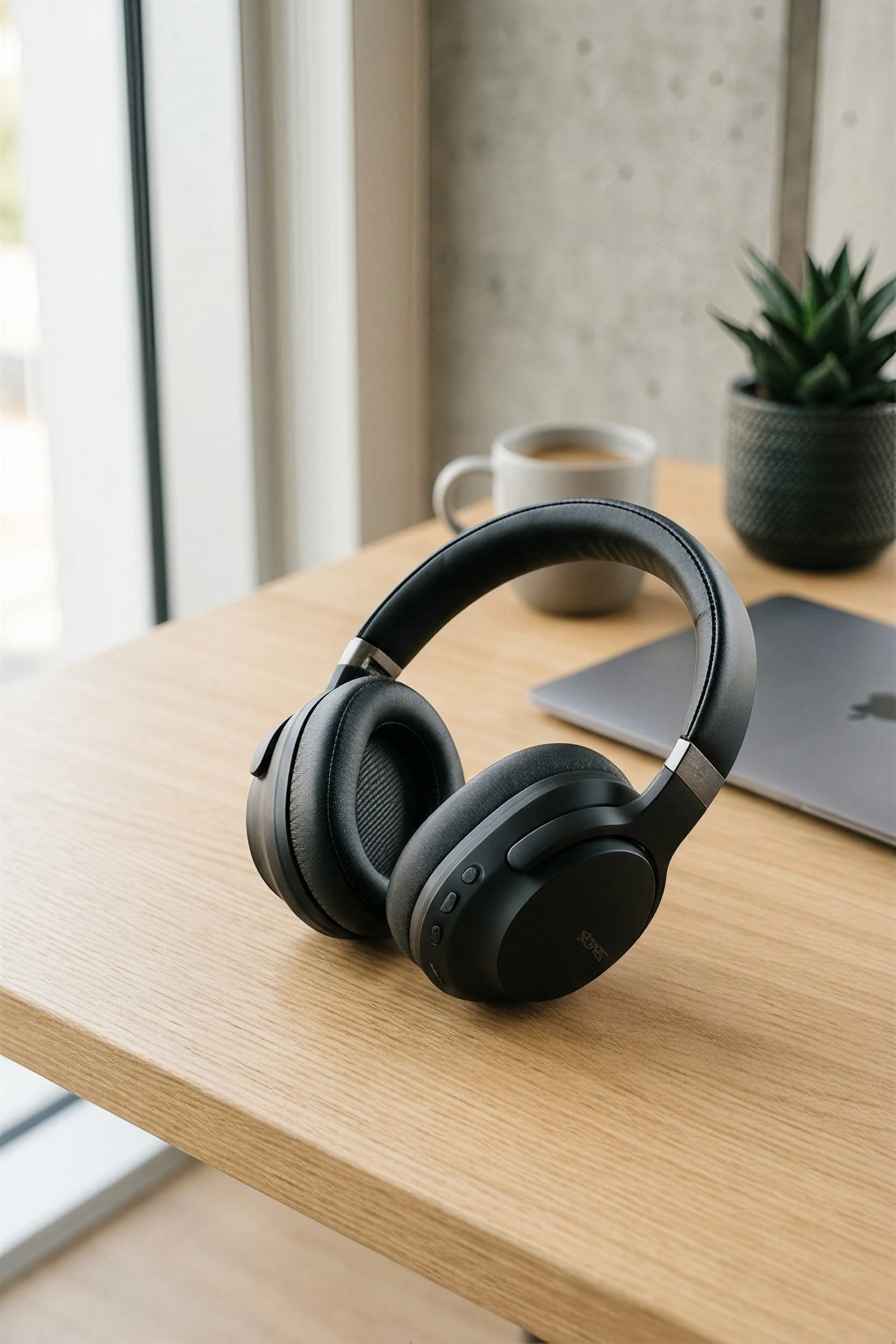
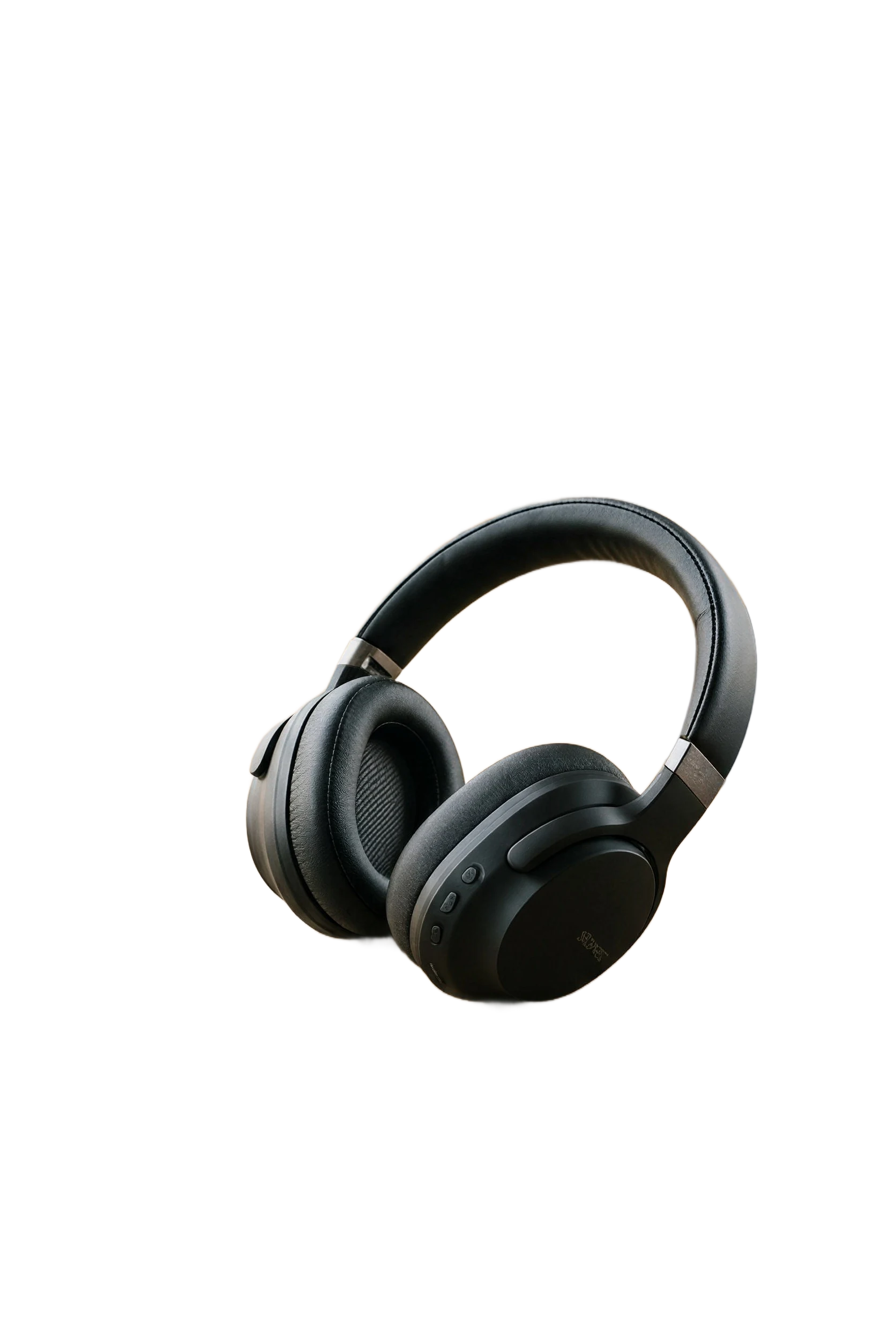


Drag and drop or click to upload the photo you want the AI background remover to cut out.
Supports JPG, PNG, and WebP. The AI background remover works best with clear photos that have a visible main subject.
The AI background remover automatically identifies the foreground and removes the background.
No brushes, masking tools, or manual tracing required. The AI background remover workflow is designed to be quick even for non-designers.
Preview the AI background remover result and download your background-free output.
Use the transparent result in ecommerce listings, profile photos, design mockups, social graphics, or other creative workflows.
Built for fast, practical AI background remover work.
Upload one image and let the AI background remover identify the main subject for you, reducing manual editing work.
Generate clean cutouts you can place on new backgrounds, designs, storefronts, and marketing layouts.
Designed to keep important details such as hair, accessories, and object contours more natural.
Remove photo backgrounds in seconds so you can move quickly from upload to usable output.
From product images to profile photos and ad creatives, the same tool supports common visual production needs.
The experience stays focused on upload, generate, and download so you can get results without extra complexity.
Yes. You can use daily free credits to test the tool and see how it performs on your images before using it more heavily.
JPG, PNG, and WebP images work well. For the best result, use a clear image with one obvious foreground subject and decent contrast from the background.
Yes. The goal of the tool is to remove the original background so you can download a clean result for reuse in other designs and layouts.
Yes. It is suitable for common use cases such as ecommerce product images, profile pictures, team headshots, thumbnails, and promotional graphics.
It is designed to preserve fine edges more naturally than basic one-click cutout tools, but results still depend on image quality, lighting, and subject separation.
Most generations finish quickly. Processing time can vary slightly depending on server load and the uploaded image.
No watermark is added to the generated result, so you can use the output directly in your own projects.
No. The tool runs in the browser, so you can upload, remove the background, and download the result without using desktop editing software.
Movis Studio helps us turn campaign ideas into usable creative directions much faster. Instead of preparing video concepts, image variations, speech audio, and music ideas across different tools, we can test them inside one workspace. It is especially useful when we need to compare multiple hooks, styles, and formats before deciding which assets are ready for ad production or client review.
Maya Collins
Growth Marketing Lead
I use Movis Studio when I need to explore creative concepts quickly without losing control of the workflow. Having AI video, image, music, and speech tools together means I can build more complete content drafts, not just isolated outputs. It helps me test visual direction, pacing, tone, and presentation together, then keep the strongest versions organized for editing, approvals, and publishing.
Daniel Kim
Creative Producer
For paid content and social campaigns, Movis Studio makes it easier to produce more variations without making the process messy. We can generate assets for different angles, formats, and audiences, then reuse settings and previous results when a campaign needs another round of iterations. That structure matters when creative volume, consistency, and speed all affect performance.
Sofia Ramirez
Content Strategist