










Create original AI music from text prompts with Movis Studio's AI music generator. Produce tracks for videos, ads, social content, and creative projects.
Movis Studio brings the AI music generator workflow into one focused workspace. Start with a text prompt, define the mood, genre, pace, and use case, then generate AI music for videos, ads, social posts, product launches, and creative experiments. The AI music generator keeps prompts, model choices, credits, and generated tracks connected so creators can compare versions without moving between separate tools.

Use an AI music generator from text when a project starts with a short idea, campaign brief, scene direction, or emotional tone. Describe the style, instruments, tempo, energy, and structure you want, then let Movis Studio turn that direction into an original track. This text-to-music workflow helps content teams move from a written creative note to usable audio options faster.

Create AI generated music for short videos, product clips, landing page demos, social campaigns, and ad creative tests. A practical AI music generator helps you match the sound to the visual direction, audience, platform, and pacing of the asset. Movis Studio makes it easier to test several hooks or moods before choosing the track that best supports the final concept.
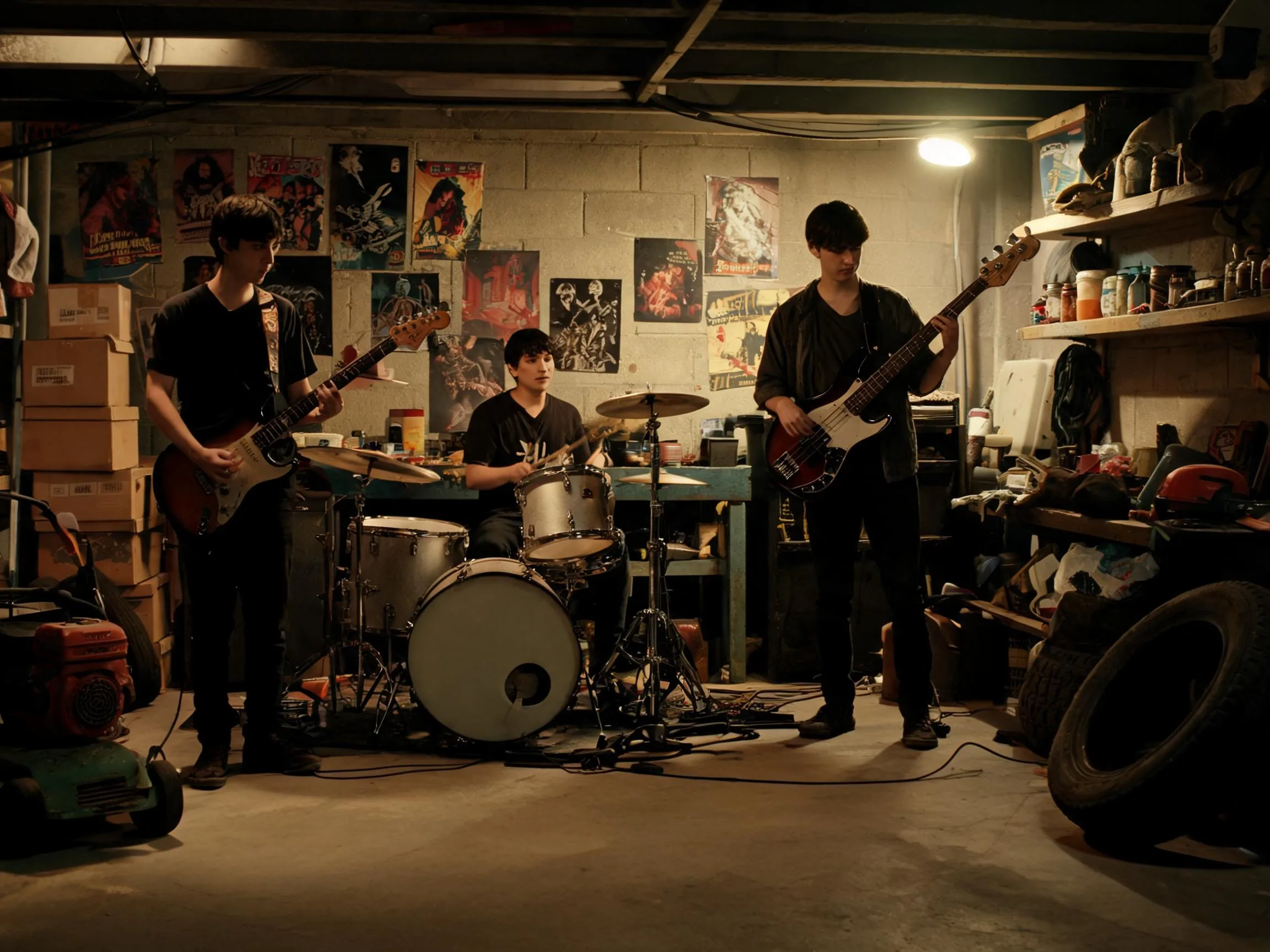
Use an AI music generator to explore mood, genre, vibe, tempo, instrumentation, and arrangement without starting from a blank audio timeline. You can prompt for cinematic tension, upbeat electronic energy, lofi background music, acoustic warmth, or brand-safe campaign sound. This AI music generator gives creators a faster way to compare directions before committing to a production track.
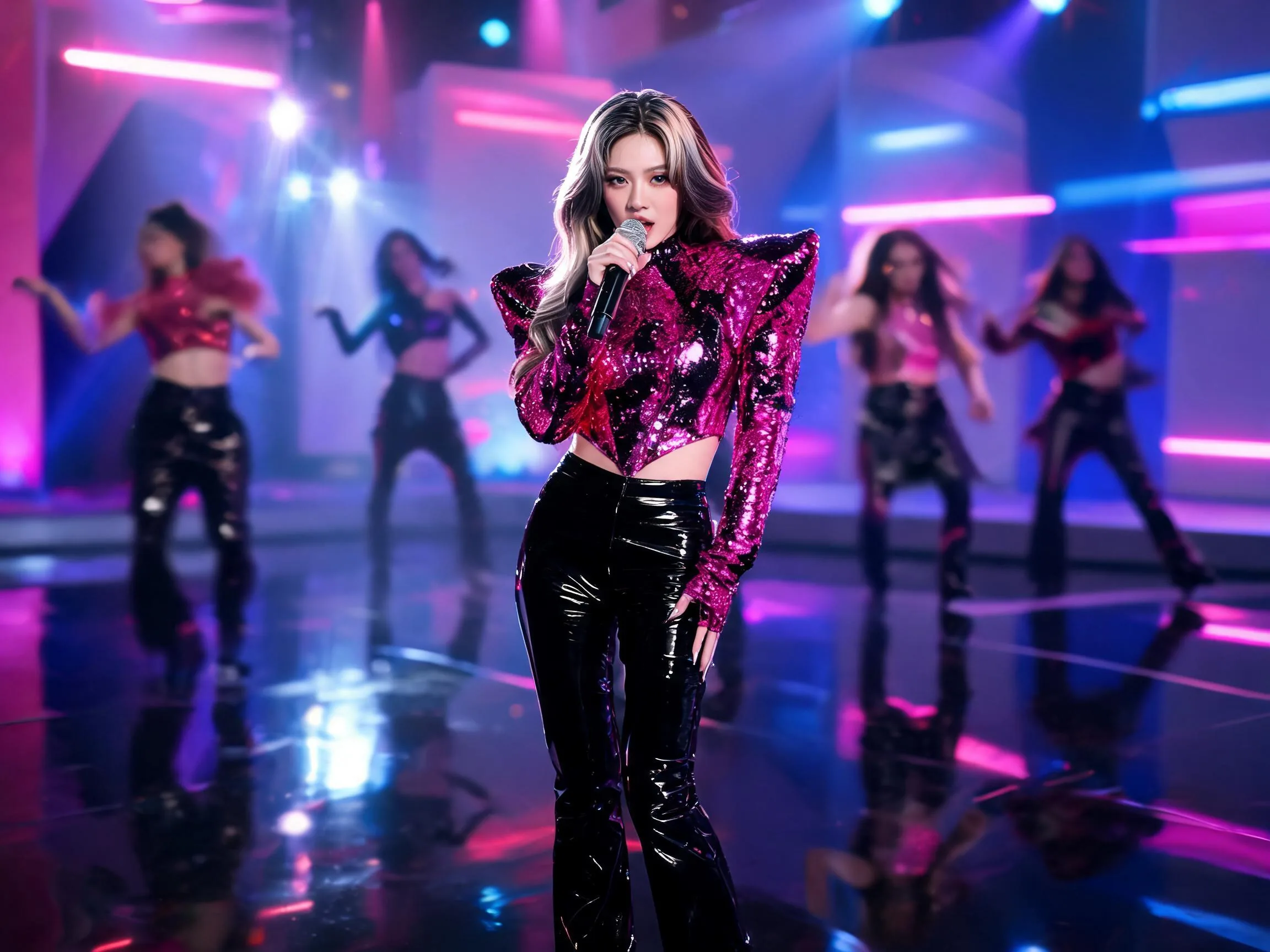
Different AI music generator models can be better for different creative goals, from quick drafts to richer song ideas or background tracks. Movis Studio keeps music settings visible so you can choose the model, refine the prompt, estimate credits, and generate music with a clearer production plan. That structure helps teams test music ideas with more control.

A useful AI music generator should support iteration, not just one-off tracks. Movis Studio helps creators return to previous prompts, compare generated music, reuse strong directions, and keep audio ideas connected to broader video, image, and voice workflows. This makes music generation more practical for content calendars, ad testing, brand systems, and campaign reviews.

Write a music prompt that explains the mood, genre, tempo, instruments, energy, and where the track will be used.
The AI music generator works best when your prompt connects the sound to a video, ad, product demo, social post, or campaign brief.
Choose available model options and refine the direction with genre, pacing, structure, vocal style, or instrumental needs.
Specific audio direction helps Movis Studio produce tracks that fit the scene, platform, audience, and creative goal.
Generate the track, compare audio directions, download the result, or reuse a strong prompt for another version.
Saved music generations make it easier to test different hooks, moods, and campaign sound directions without starting over.
You can use the AI music generator to create music ideas for videos, ads, social posts, product demos, intros, campaign drafts, presentation assets, and creative experiments. Prompts can describe genre, mood, tempo, instruments, energy, structure, and intended use so the generated track fits the project instead of sounding generic.
A strong AI music prompt should include the mood, genre, tempo, instruments, track length, energy level, structure, vocal direction if needed, and the asset it will support. For example, ask for upbeat electronic background music for a product ad, calm lofi for a tutorial, or cinematic tension for a video intro.
Yes. Movis Studio can help create AI generated music for social videos, paid ads, product clips, launch campaigns, presentations, and creative tests. It is useful when you need several audio directions quickly, such as different moods for the same video or alternate hooks for campaign review.
Paid users can use music they generate with Movis Studio for commercial projects, including marketing content, client work, social campaigns, product videos, and brand assets. You are responsible for making sure prompts, references, lyrics, artist-style requests, melodies, and final usage follow applicable rights, platform rules, and music policy requirements.
Movis Studio's AI music generator makes music creation practical for content production, not just audio experiments. You can test multiple moods and genres, estimate credits before generation, save completed tracks, and develop music alongside video, image, and speech assets in the same creative workspace.
Yes. Music prompts usually work better when they include concrete audio direction. Describe the genre, mood, tempo, instruments, rhythm, intensity, and where the track will be used. This helps the model create music that supports the scene, edit, or campaign instead of producing a vague background track.
Available options depend on the selected music model and settings, but you can guide the result toward instrumental background music, vocal-style concepts, jingles, intros, or scene-specific audio directions. If you need clean background music, say that clearly in the prompt.
Credit usage depends on the selected music generation model, prompt settings, and output options. Movis Studio shows the estimated cost before generation, which helps you plan batches of tracks, compare settings, and decide how much creative testing to run before choosing the best audio direction for a project.
Completed music generations are saved in your account history so you can return to them later, compare previous outputs, reuse strong prompt directions, and continue refining campaign or content ideas. This makes music generation more practical for recurring social posts, ad creative batches, and multi-asset production workflows.
The AI Music workflow includes assistant features for generating lyrics, English music prompts, song titles, and style tags from a theme, description, or existing lyrics. You can also use Translate to English and My Presets / Save as Preset to prepare reusable music directions for future tracks, campaign drafts, and audio variations.
Movis Studio helps us turn campaign ideas into usable creative directions much faster. Instead of preparing video concepts, image variations, speech audio, and music ideas across different tools, we can test them inside one workspace. It is especially useful when we need to compare multiple hooks, styles, and formats before deciding which assets are ready for ad production or client review.
Maya Collins
Growth Marketing Lead
I use Movis Studio when I need to explore creative concepts quickly without losing control of the workflow. Having AI video, image, music, and speech tools together means I can build more complete content drafts, not just isolated outputs. It helps me test visual direction, pacing, tone, and presentation together, then keep the strongest versions organized for editing, approvals, and publishing.
Daniel Kim
Creative Producer
For paid content and social campaigns, Movis Studio makes it easier to produce more variations without making the process messy. We can generate assets for different angles, formats, and audiences, then reuse settings and previous results when a campaign needs another round of iterations. That structure matters when creative volume, consistency, and speed all affect performance.
Sofia Ramirez
Content Strategist